€12.4 million in additional revenue through A/B testing!

Watch for free now
New Study: How AI Search is Changing SEO Visibility in E-Commerce
Read now


Onepagers are popular: a single page that clearly presents everything — from storytelling to call-to-action. For many projects, this sounds like a clear, modern solution. But it is not that simple. Because depending on how complex your topic is and what goals you are pursuing with your website, a one-pager can be the perfect choice — or massively restrict your visibility.
1. What a one-pager is and when is it worthwhile
2. What advantages does it offer for user guidance and design
3. What disadvantages and restrictions you absolutely need to consider
4. How to avoid the biggest SEO pitfalls
1. What a one-pager is and when is it worthwhile
2. What advantages does it offer for user guidance and design
3. What disadvantages and restrictions you absolutely need to consider
4. How to avoid the biggest SEO pitfalls
A one-pager is a website that displays all content on a single page. Instead of navigating to sub-pages via a menu, you scroll through sections that are usually accessible via jump marks. Mandatory legal information such as imprint or data protection can be stored on separate URLs — but in essence, it is about all content being bundled centrally.
Typical areas of application are:
A one-pager is particularly worthwhile if you want to present a single topic in a compact, clear and visually powerful way. Users should be able to navigate through complex menu structures without distraction. On the other hand, if your target group expects more in-depth information or a wide range of topics should be covered, the format quickly reaches its limits.
It is not without reason that onepagers have gained popularity in recent years. They have clear strengths that are particularly decisive for mobile use and visual communication:
These advantages make Onepager particularly attractive for projects that are focused on attention, brand impact and a clear conversion goal.
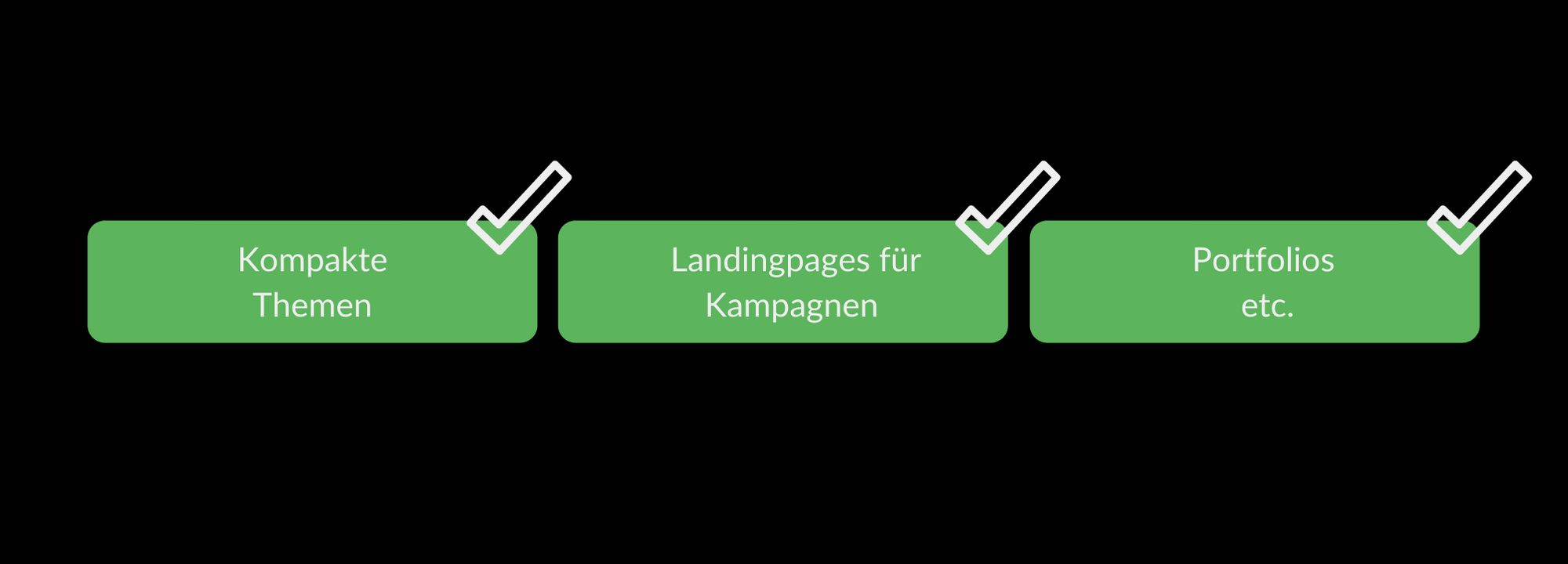
For example, it may be worthwhile to use Onpager
As convincing as the benefits sound, a one-pager also has clear limits. You should definitely include these in your decision:
Especially if SEO and data analysis are central levers for you, these disadvantages can be decisive against a one-pager.
A one-pager requires you to implement the SEO basics particularly cleanly — and this is exactly where AI can give you real leverage today. AI-powered tools don't replace a strategy, but they speed up analytics, deliver prioritization, and automate routine tasks so you can focus on decisions with real business impact.
Key points:
Short checklist:
How to implement AI sensibly in OnePager SEO
Tip:
Start small: a pilot phase, a KPI measurement, human review loops. This allows you to quickly find out where AI really saves time and which suggestions you need to adapt.
Important (risks & rules)
If you combine these points, you can largely balance the SEO limits of a onepager: lower structural flexibility is compensated by precise prioritization, better snippets and faster optimization cycles — and this directly contributes to visibility and conversion.
The decision always depends on the project goal. Ask yourself:
The important thing is: No matter which model you choose, the SEO basics always apply. Loading time, clear keyword strategy and clean technology are not negotiable.OnePagers are ideal for campaigns, digital business cards, or visual storytelling projects. On the other hand, a multi-pager is often indispensable for data-driven work, broad content marketing or complex information architecture.

.png)


Build SEO in-house or outsource to an agency? Five questions to help you make an honest make-or-buy decision.

AI search has arrived in German online retail: It used to be about whether an AI answer appeared for your search terms. Today, it is about whether your brand is cited as a source within it.
.jpg)
Traditional SEO methods are no longer sufficient for growth. Today, brand clarity, decision-relevant content, and active visibility determine whether SEO generates revenue.
.jpg)
AI Search evaluates not only content, but the comprehensibility of entire brands. Unclear positioning reduces the likelihood of being selected.
.jpg)
AI traffic is still low, but converts significantly better. Users are pre-qualified, making conversion even more important than traffic.


.png)
.jpg)